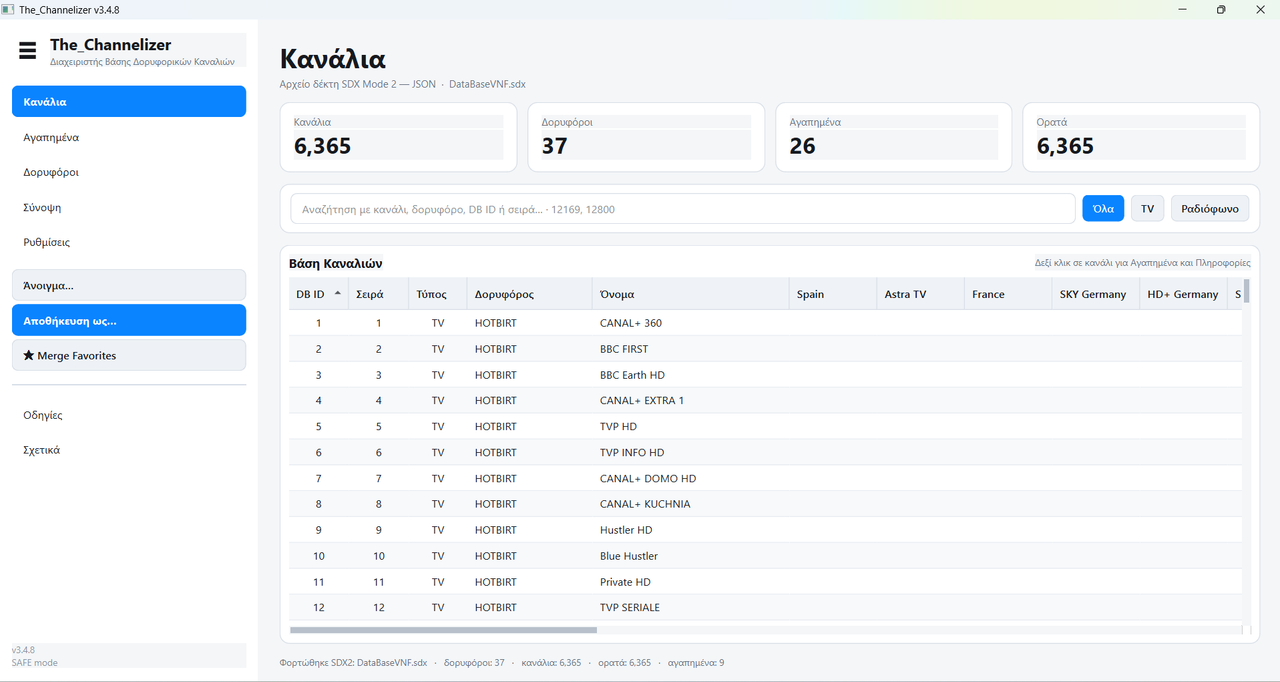
Ignore the windows security message
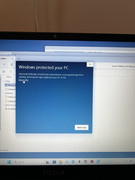
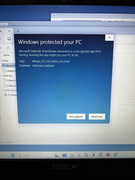
by selecting More info and then Run anyway
Receivers like Tiger - Viark - GTMedia - StarSat e.t.c. create files of this format from the USB menu / yellow button.
The ready-made lists like that will load the memory of your receiver with channels that you may not have the necessary satellite dish size to receive and some channels do not play. So the right choice is to go Menu/ Installation/ Satellites/ select the satellites you receive according to your home installation to have only the channels that you are recieve. If you like manage your channels or like make your own favorite channels list there is no Windows program that works properly. That's why my friend nikkpap made this at my suggestion.
You can find the latest version and changes here.